

Money you keep track of together.

Skarb keeps your money in workspaces. Share one with your partner, see who changed what, and add an expense by photographing the receipt or typing one line. Any currency, on iPhone, iPad and Mac.

Download Skarb on the App Store

Free. No paid tier, no trial, no ads.

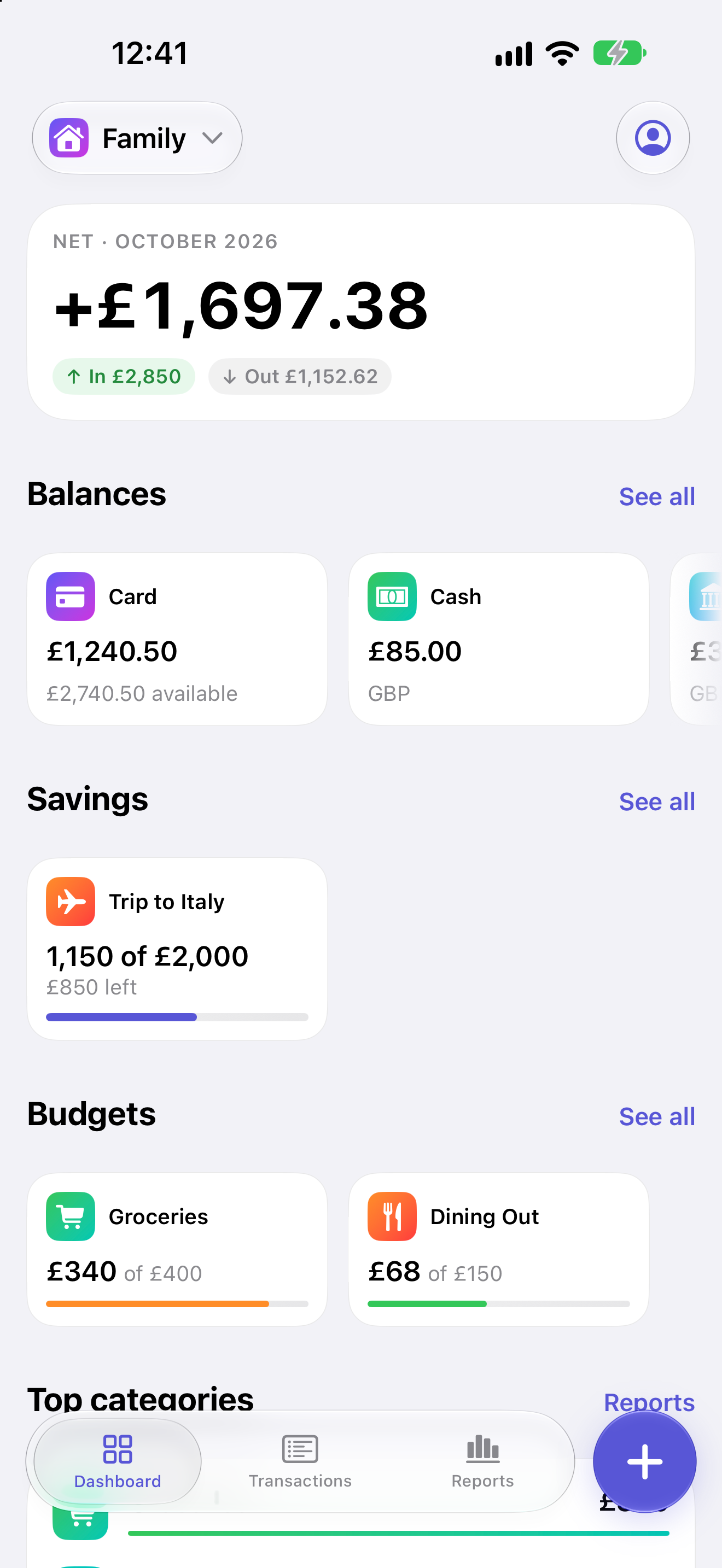
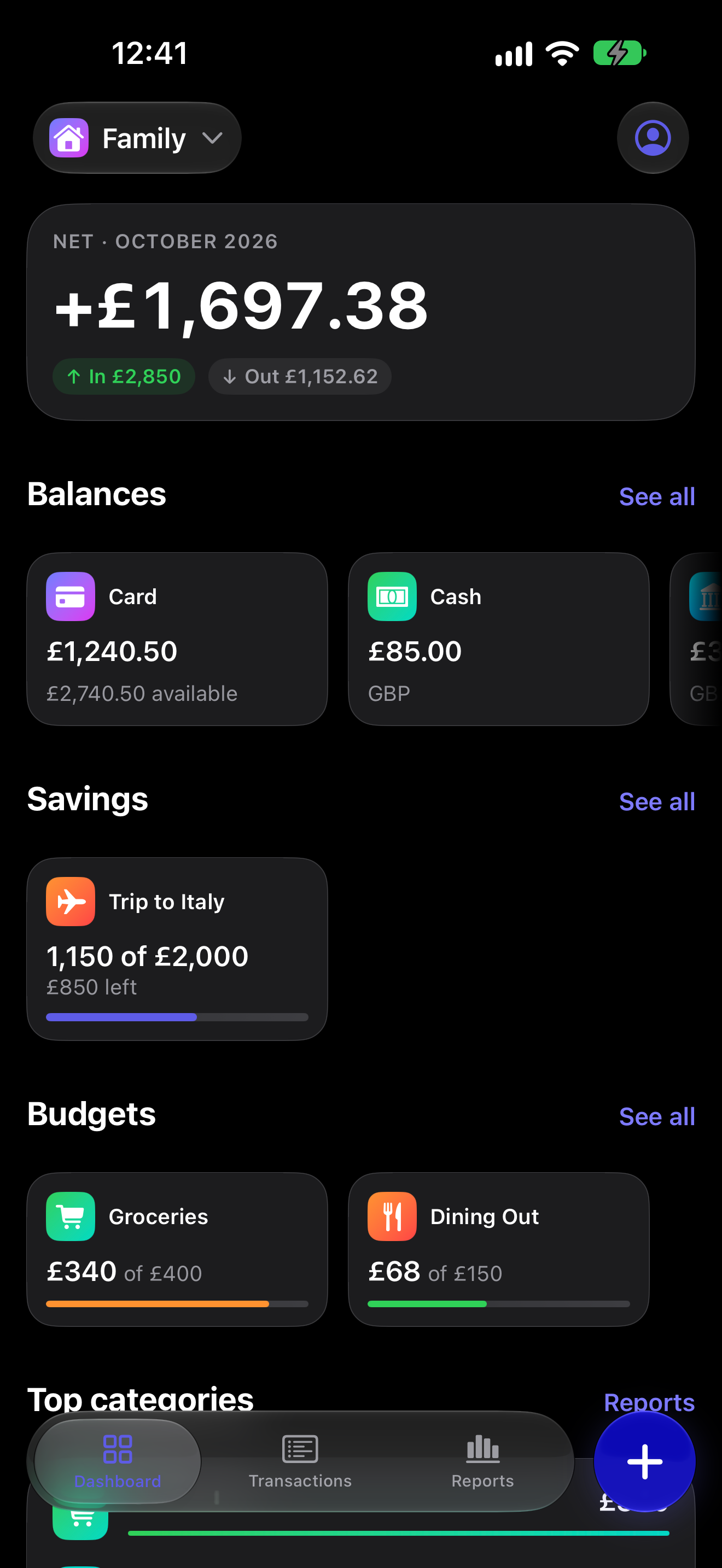
The Skarb dashboard, showing this month's spending, budget progress and balances.

Why tracking fails

Two reasons people stop.

Entering it is tedious.

Typing every coffee into a form is the reason most budgeting apps are deleted in week three. It is not a discipline problem. It is a data entry problem.

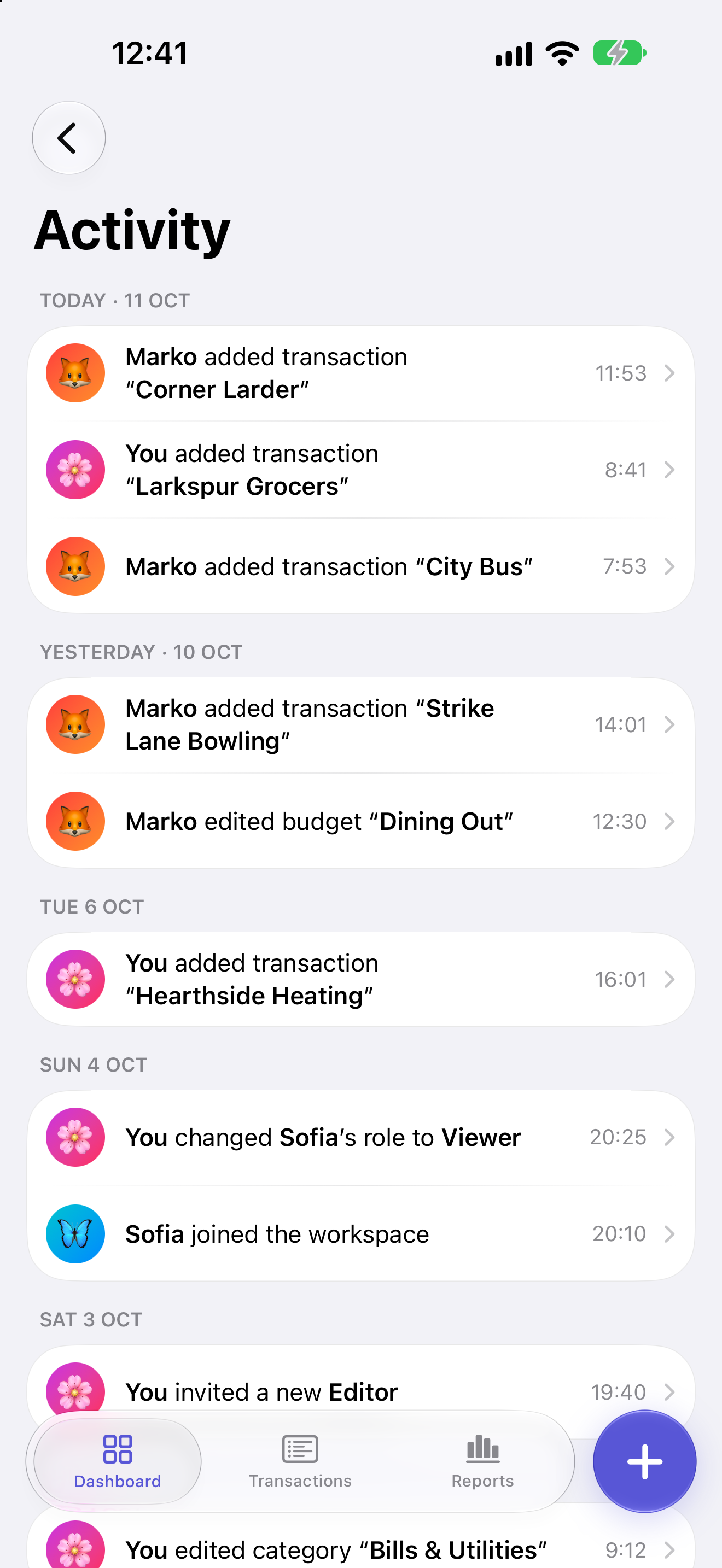
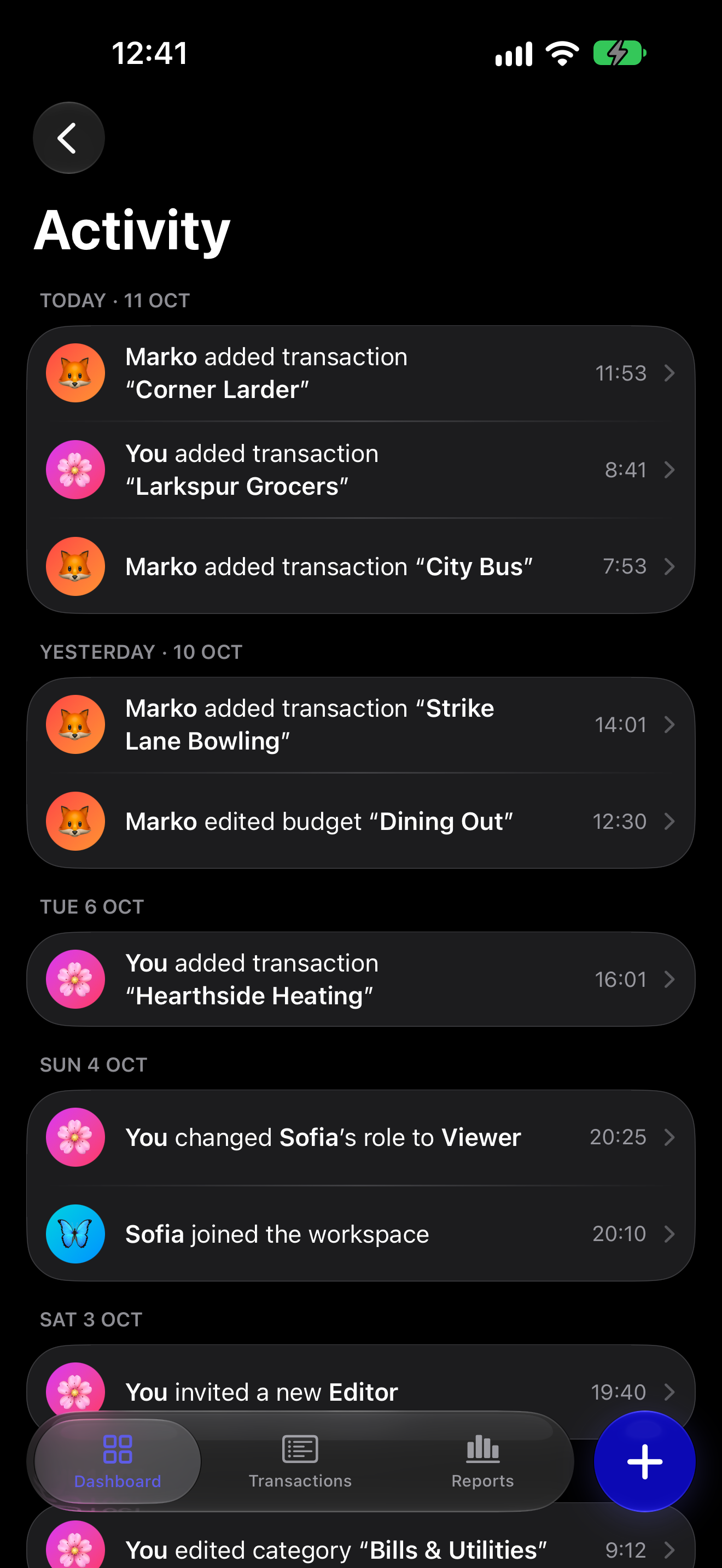
The Skarb activity feed, showing each change with the name of the person who made it.

Sharing breaks it.

The moment two people are involved, tracking turns into a chat thread of "did you pay for this?". One person maintains a spreadsheet and the other stops looking at it.

Built for sharing

A workspace you actually share.

Invite someone, choose what they can do, and choose what they can see. Everything either of you changes is signed and dated.

Owner
Runs the workspace. Invites people, sets roles, decides who sees what.
Editor
Adds and edits transactions, budgets and everything else they can see.
Viewer
Reads. Changes nothing.

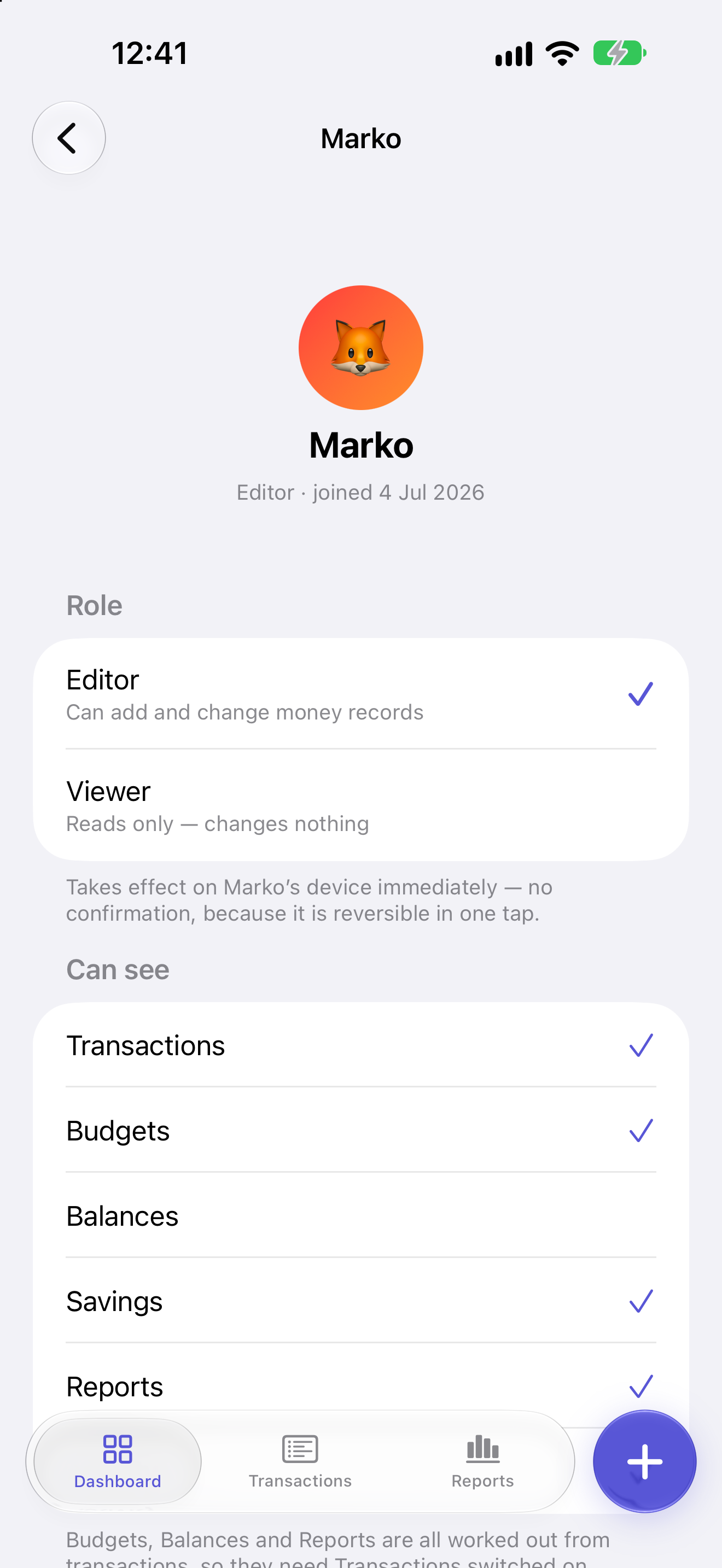
A role is not the whole story. For each member, the owner picks which sections that person can see: Transactions, Budgets, Balances, Savings, Reports and Activity. Membership alone does not grant sight of the money. An editor limited to Transactions adds expenses and sees nothing else.

  • Transactions
  • Budgets
  • Balances
  • Savings
  • Reports
  • Activity

Every change carries the name of the person who made it and the time they made it. The activity feed keeps the whole history, so "who moved this and when" is a question with an answer rather than an argument.

See how sharing works
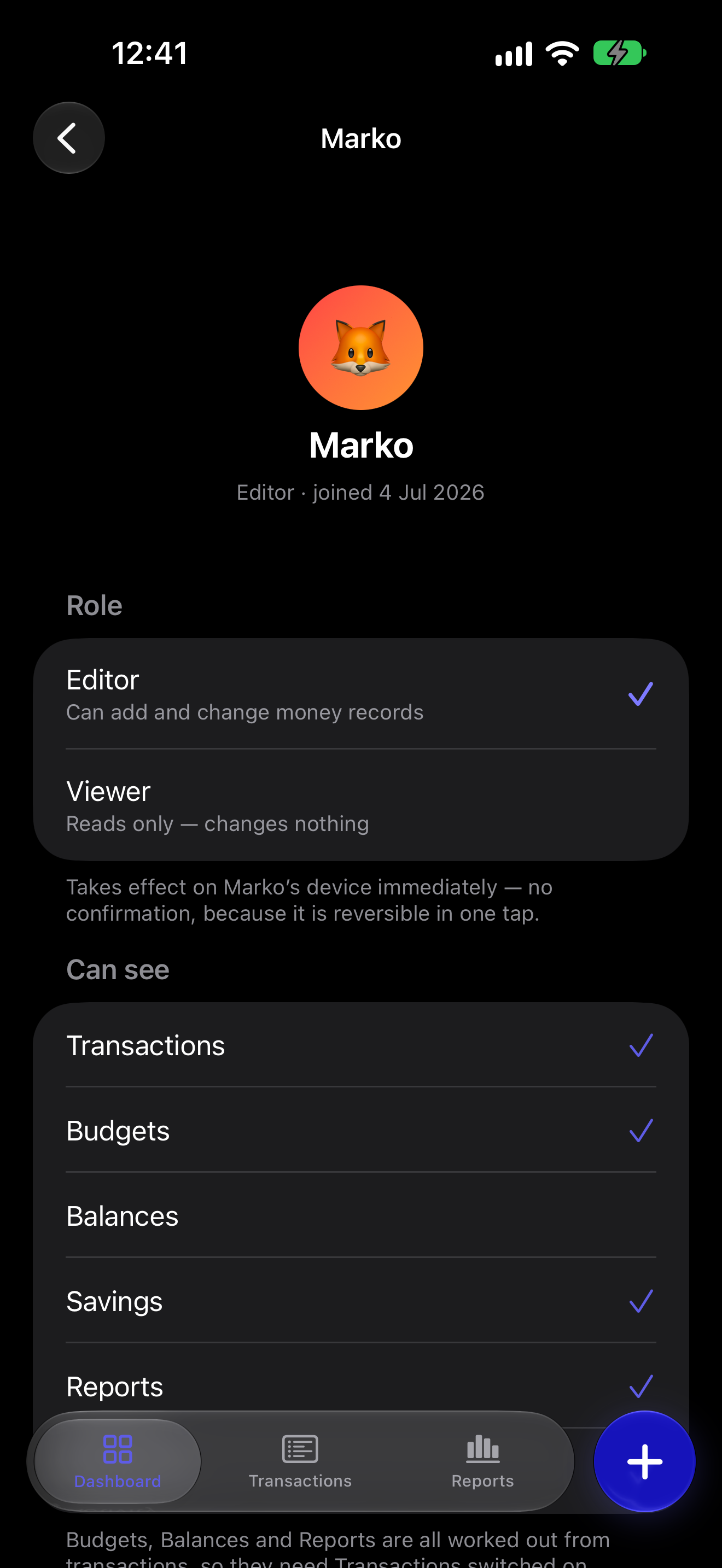
Marko's member settings: an editor who can see Transactions, Budgets, Savings and Reports, with Balances switched off.

Adding an expense

Three ways in. All of them take seconds.

Scan a receipt.

Point the camera at the receipt. It is straightened, read once, and turned into a filled-in draft. A receipt with twelve lines becomes one transaction at its total.

Type one line.

Type coffee 3.20 yesterday and you get a dated, categorized draft. A bank SMS pasted straight in works the same way.

Say it.

Speak the transaction out loud. Same draft, same confirmation step, hands free.

Any currency

Spend in one currency, understand in another.

Each workspace has one base currency, so every total is comparable. Any single transaction can be in any currency you like.

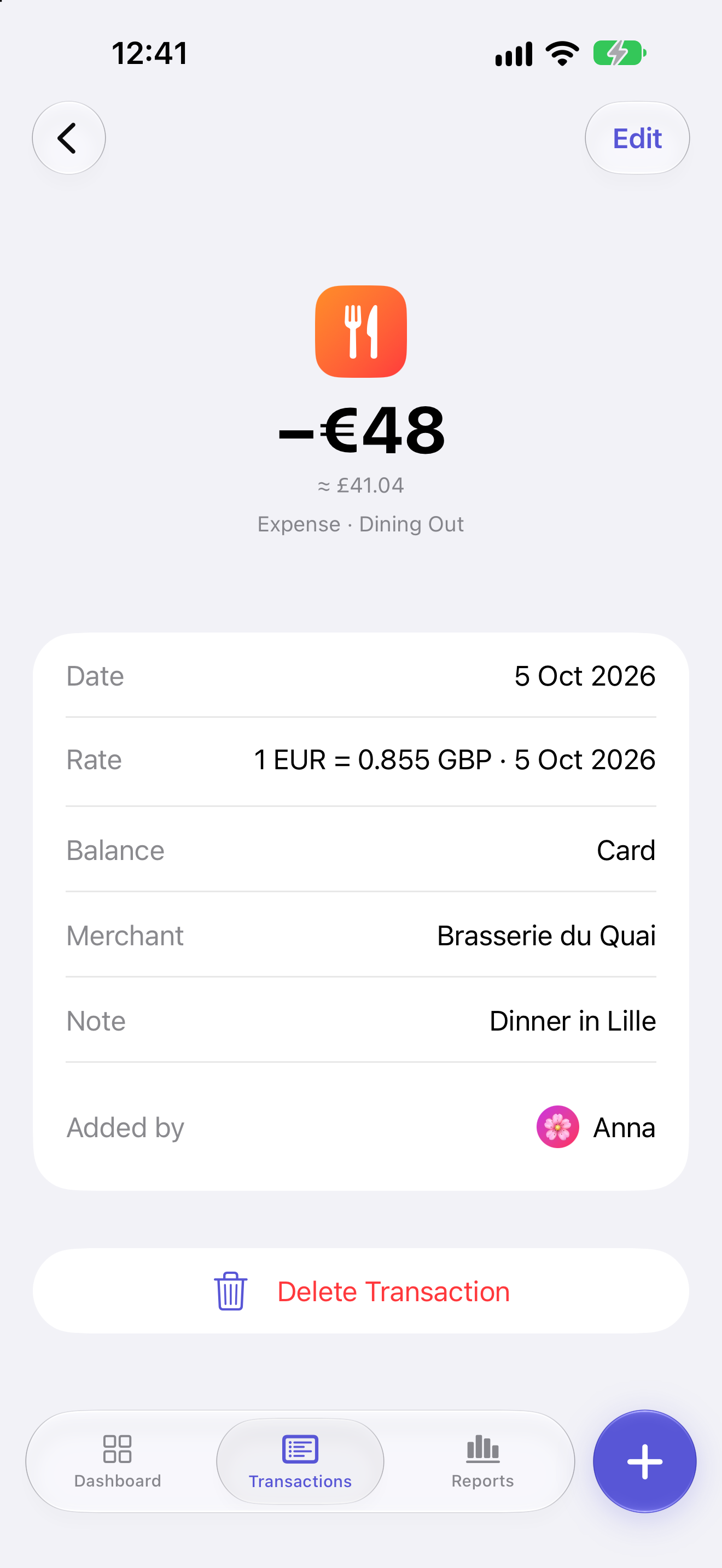
The rate on the day is stored on the transaction and you can edit it. What you recorded last March stays what you recorded last March, because nothing is quietly recalculated later.

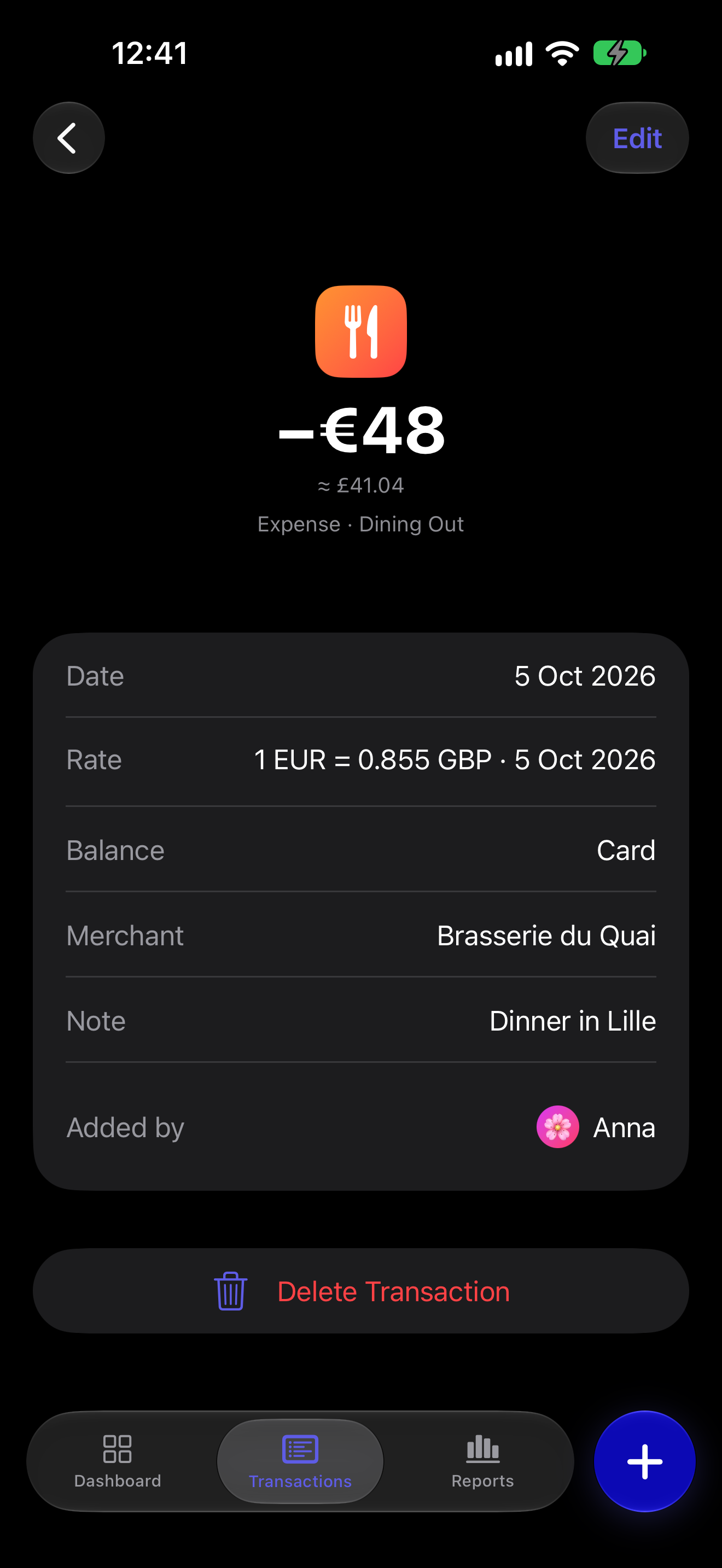
A transaction recorded in euros inside a workspace with a different base currency, showing the exchange rate stored on the record.
Rates are stored on the transaction, not recomputed later.

The rest of it

Everything else that is in there.

Budgets

A budget per category or group, for a month or a range you define, with live progress and an alert as you approach the line.

Balances

Optional named accounts money moves through, each with its own currency, and one grand total in the base currency.

Savings goals

Money set aside for a trip or a laptop, held out of your spendable balance without ever becoming a transaction.

Reports

Where the money went, for any period. A donut by category, trend bars, a delta against the period before, and a drill-down into any category.

Attachments

Up to five photos, scans or PDFs on a transaction, so the evidence sits beside the money.

App Lock

Face ID, Touch ID or your device passcode on every cold launch and after 30 seconds away.

iPhone, iPad, Mac

One app. A multi-column layout and keyboard shortcuts on iPad, and the same app on an Apple Silicon Mac.

English and Ukrainian

Both languages, switchable inside the app without reinstalling anything.

All features in detail

What it costs

It is free. Here is how that works.

Every part of Skarb is free. That includes scanning receipts and the rest of the AI-assisted entry. There is nothing held back, nothing to buy and nothing to switch on later.

There is one limit, and it is a storage one. Each person gets 500 MB for attachments, with a screen inside the app showing what is using it and letting you clear it. A typical receipt photo is around 200 KB.

The honest answer to how it is paid for: Skarb is a personal project by its developer, and the running costs are absorbed. There are no plans to change that.

What Skarb does not do.

  • No bank connections. You enter transactions yourself, or the camera does it for you. Nothing is pulled from an account.
  • No Android app and none planned. iPhone, iPad and Apple Silicon Mac only.
  • No web app. Skarb runs on your devices, not in a browser tab.