Shared workspaces
A workspace is a shared space for money: "Family", "Flat 3B", "Trip to Italy". It has its own budgets, categories, transactions, balances and savings goals, and its own set of people.
Sharing is not a setting bolted on the side. You invite someone, you pick what they can do, and you pick what they can see. Those are two different decisions and the app treats them as two.
Roles
Every member of a workspace has one of three roles. The role decides what a person can do.
| What they can do | Owner | Editor | Viewer |
|---|---|---|---|
| Add and edit transactions | Yes | Yes | No |
| Create and change budgets | Yes | Yes | No |
| Create and change categories | Yes | Yes | No |
| Create and change balances | Yes | Yes | No |
| Create and change savings goals | Yes | Yes | No |
| Invite and remove members | Yes | No | No |
| Change what each member can see | Yes | No | No |
| Change workspace settings and base currency | Yes | No | No |
| Delete the workspace | Yes | No | No |
Owner
- Add and edit transactions
- Yes
- Create and change budgets
- Yes
- Create and change categories
- Yes
- Create and change balances
- Yes
- Create and change savings goals
- Yes
- Invite and remove members
- Yes
- Change what each member can see
- Yes
- Change workspace settings and base currency
- Yes
- Delete the workspace
- Yes
Editor
- Add and edit transactions
- Yes
- Create and change budgets
- Yes
- Create and change categories
- Yes
- Create and change balances
- Yes
- Create and change savings goals
- Yes
- Invite and remove members
- No
- Change what each member can see
- No
- Change workspace settings and base currency
- No
- Delete the workspace
- No
Viewer
- Add and edit transactions
- No
- Create and change budgets
- No
- Create and change categories
- No
- Create and change balances
- No
- Create and change savings goals
- No
- Invite and remove members
- No
- Change what each member can see
- No
- Change workspace settings and base currency
- No
- Delete the workspace
- No
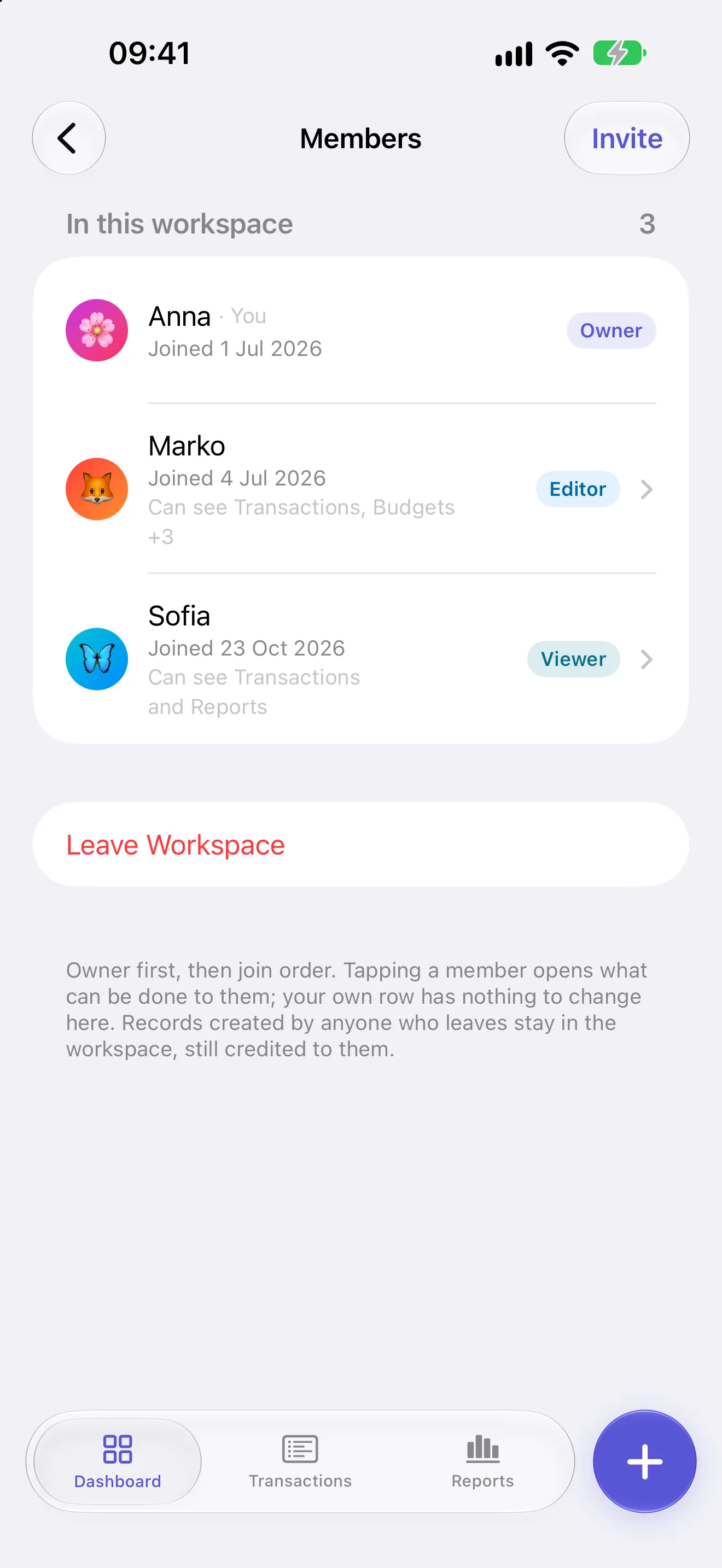
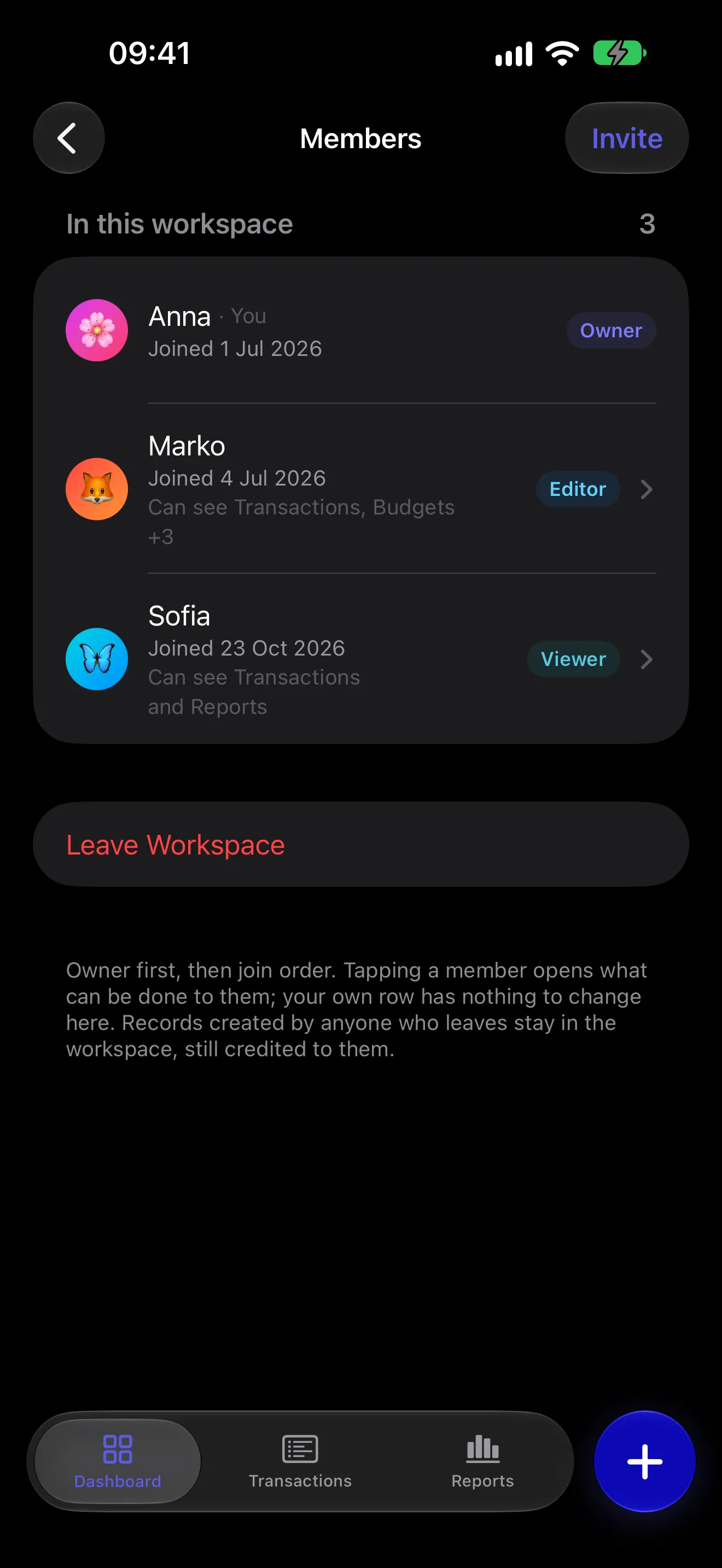
Each workspace has exactly one owner, and there are no other roles. The owner can hand the workspace to another member, who accepts or declines. Once they accept, the old owner becomes an editor.
A viewer changes nothing. An editor changes the money. Only the owner changes the people.
What each person can see
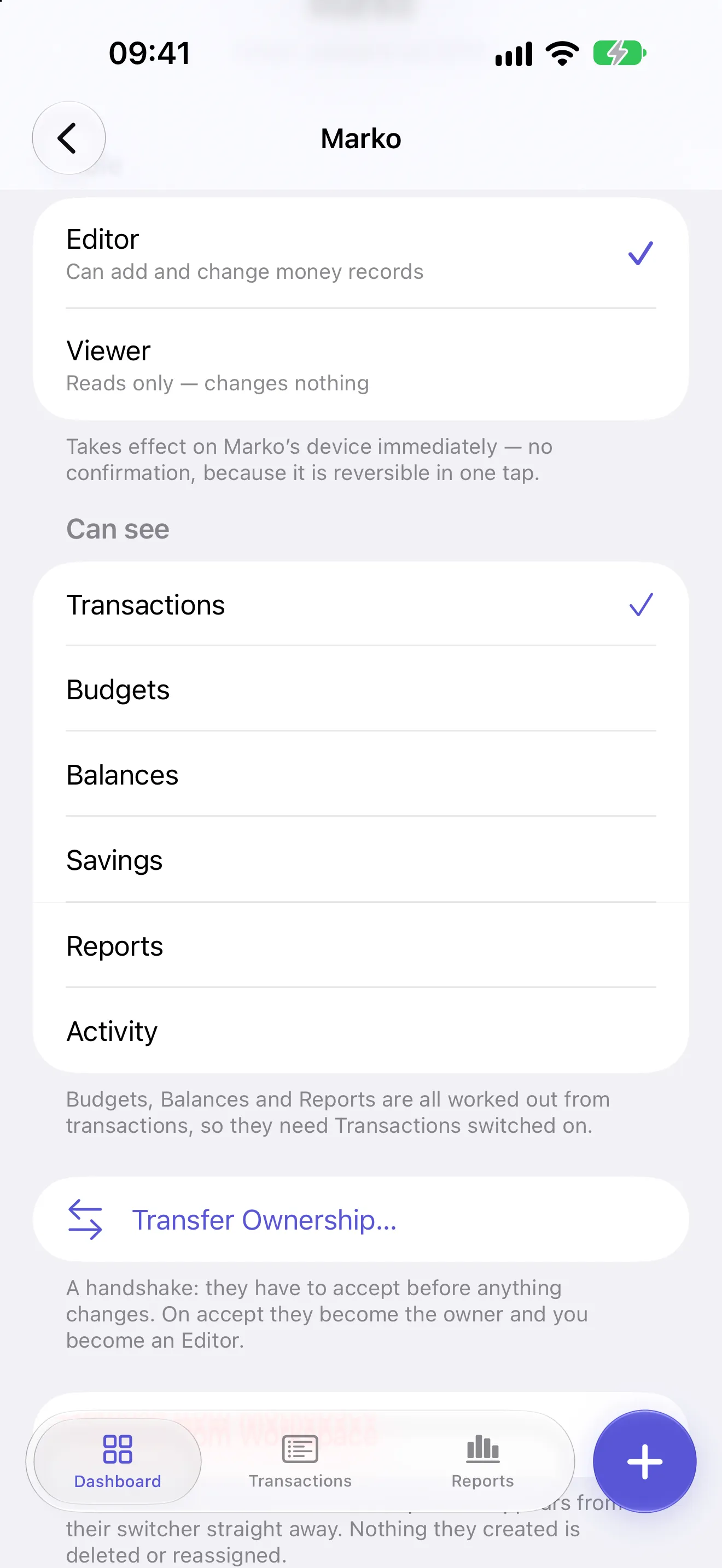
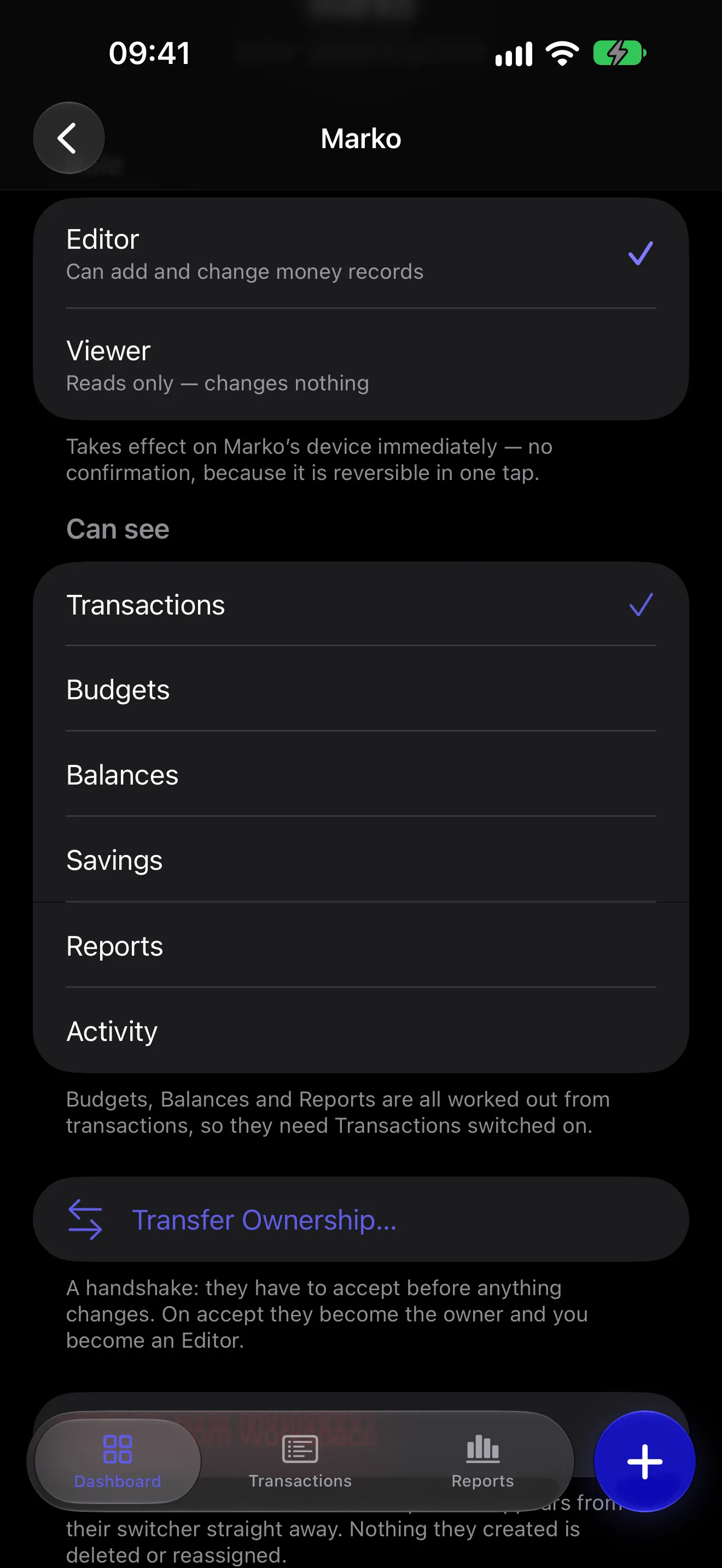
The role says what someone can do. A separate set of switches says what they can see. Being a member of a workspace does not, on its own, show you the money.
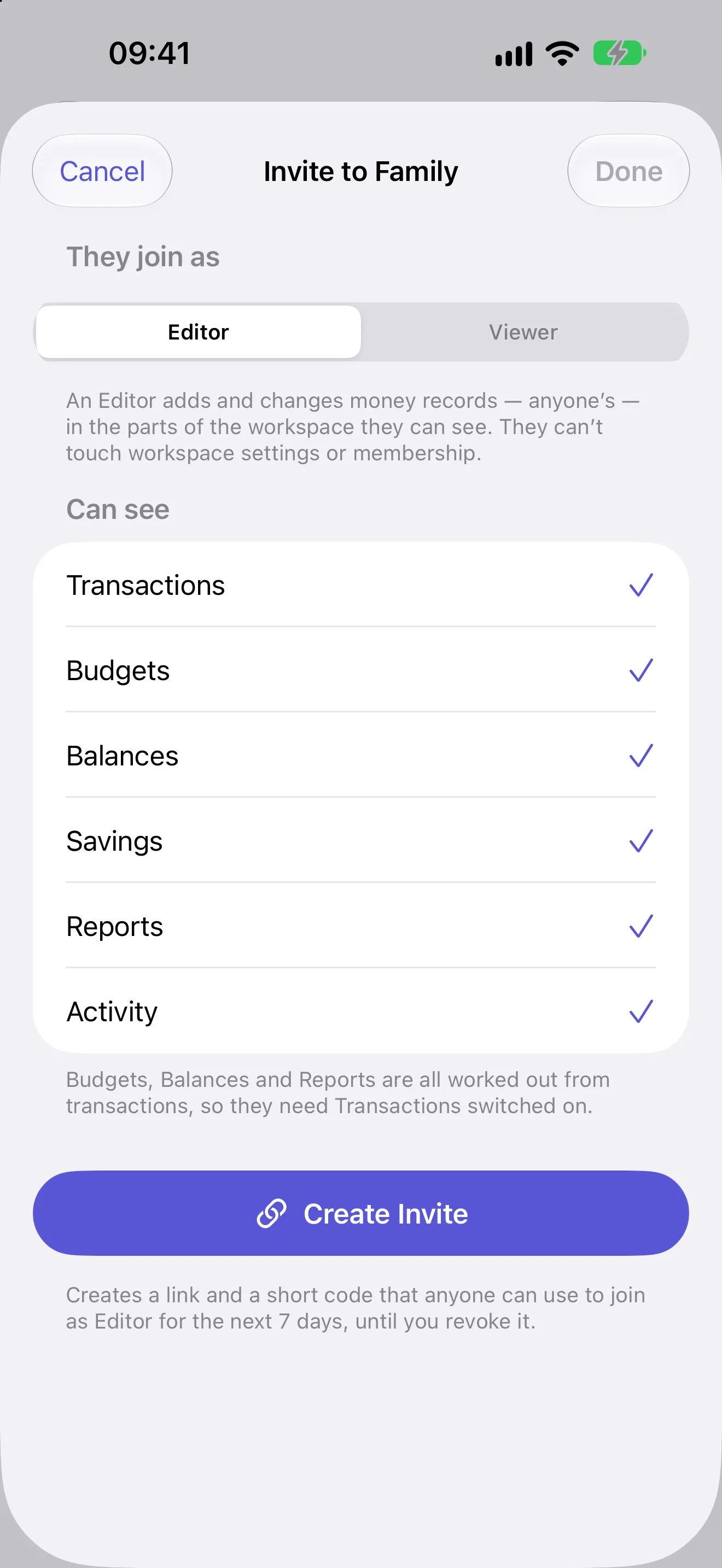
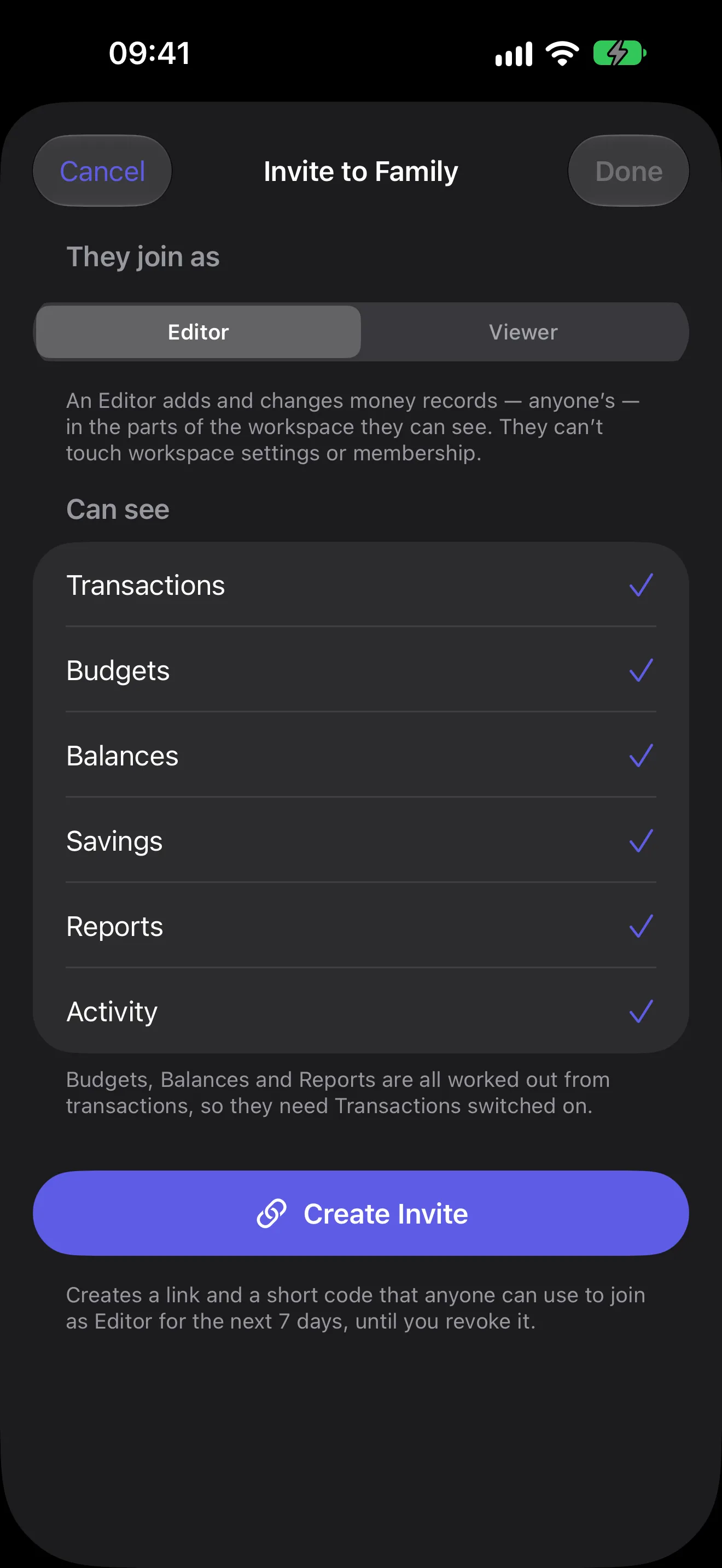
For each member, the owner switches six sections on or off. A section that is off is not there at all for that person: no tab, no card, no notification. Each one hides:
- Transactions - the list of income and expenses, and the ability to reach any single one of them.
- Budgets - every budget and its progress.
- Balances - the named accounts money moves through, and the grand total.
- Savings - savings goals, their targets and their progress.
- Reports - the donut by category, the trend over time, and every total on the reports screen.
- Activity - the feed of who changed what.
Budgets, Balances and Reports are worked out from the transactions, so they need Transactions on. Turn Transactions off and those three go with it. Savings and Activity stand on their own. An editor changes only what they can see.
If the workspace keeps balances, what your teenager adds is not assigned to one, because they cannot see the balances to choose from.
Section visibility hides a section. It is not a redaction system. If a person can see Transactions, they can see every transaction in that workspace. Categories are not a section either: every member sees the workspace's categories.
Who changed what
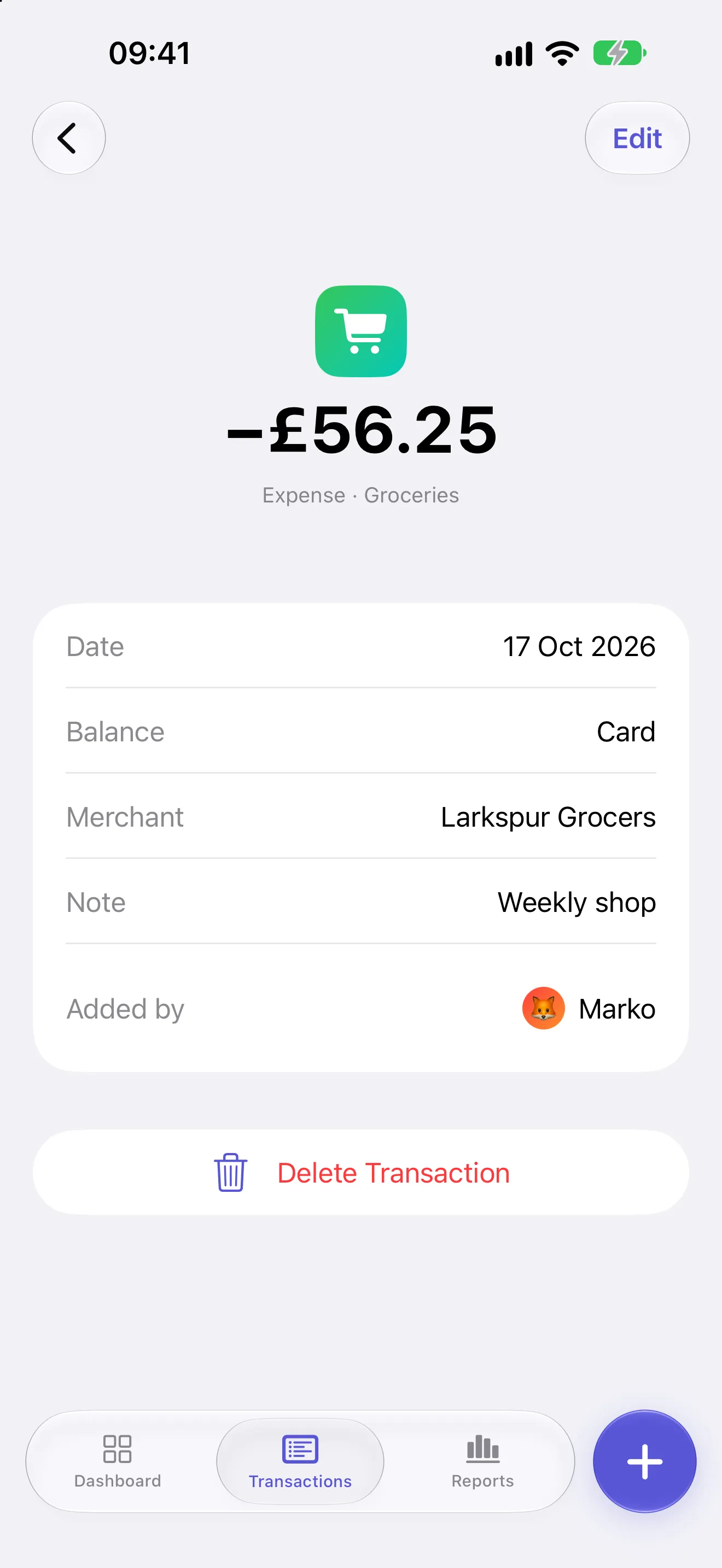
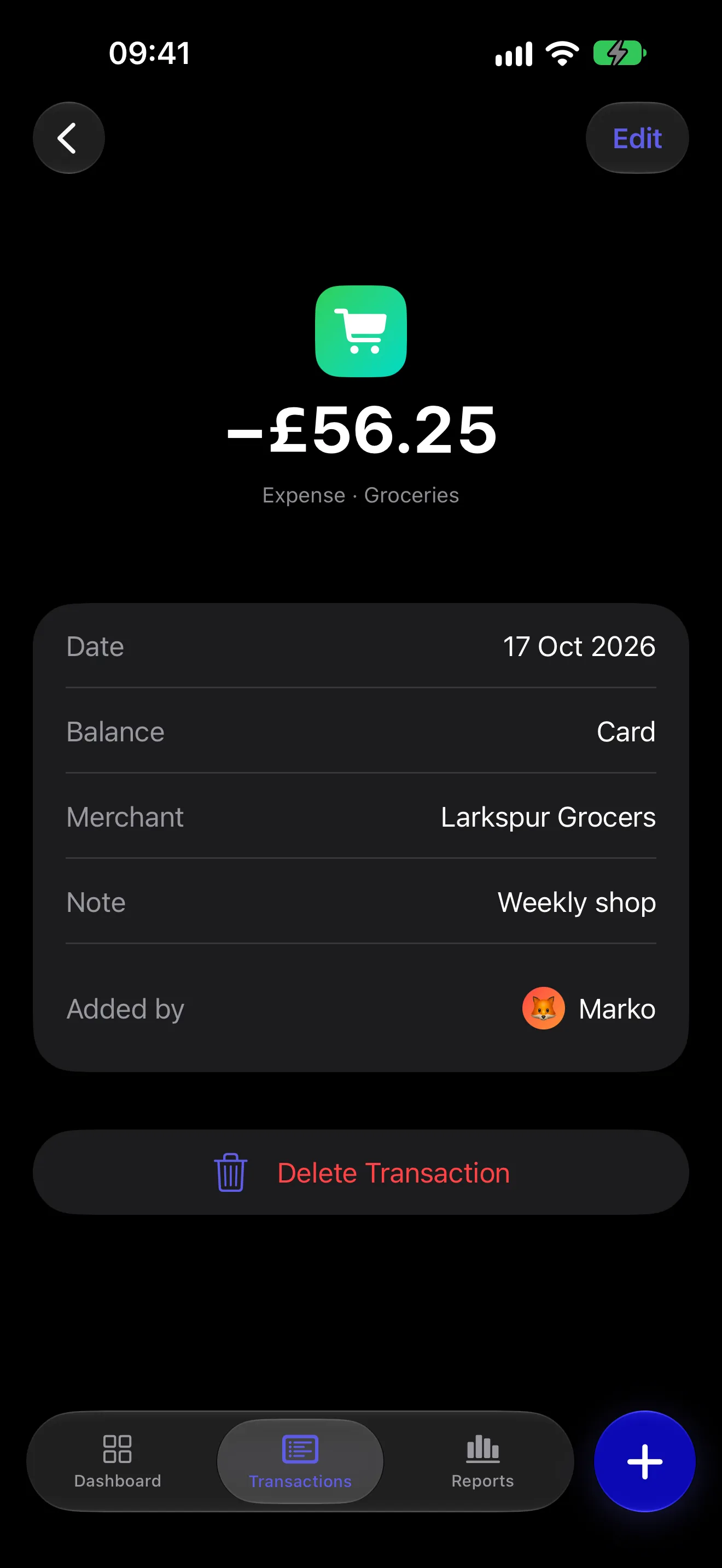
In a shared workspace, adding, editing or deleting a transaction, a budget, a category or a savings goal is recorded with the name of the member who did it. A transaction carries that name on the record itself, not only in a log: in the list, their avatar sits on the category icon, and the transaction's own screen says Added by, with their name. A budget names the member who created it. When someone leaves, what they added keeps their name, marked as a former member, or reads Deleted account if they deleted their account.
This is what stops the "I thought you paid for that" conversation. Nobody has to remember who bought what. The record says.
You open the £56.25 grocery shop from Saturday and it says who added it. Not "someone on this account". A name. The activity feed has the time.
Balances and savings goals carry no name on the record. Who created a goal is in the activity feed; who moved money into it is not recorded anywhere.
The activity feed
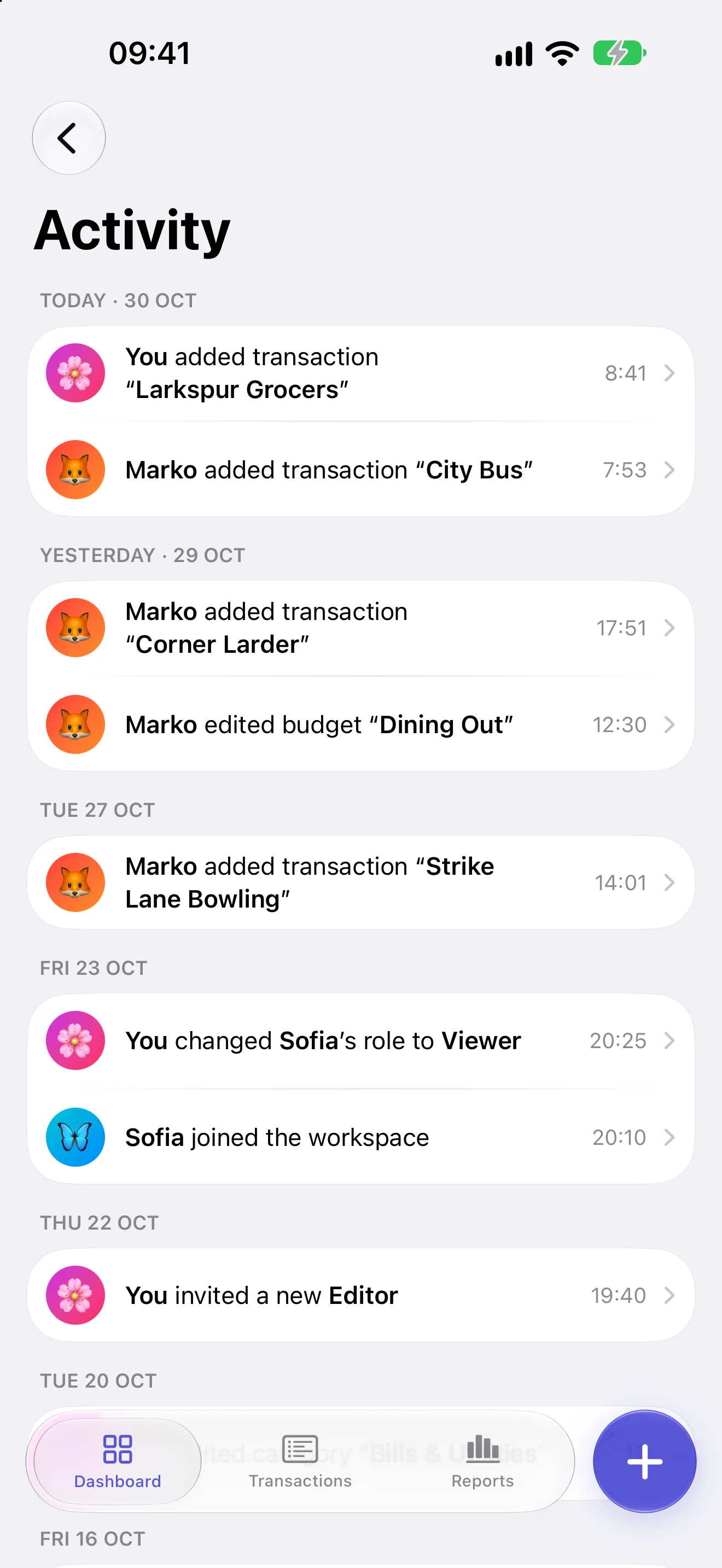
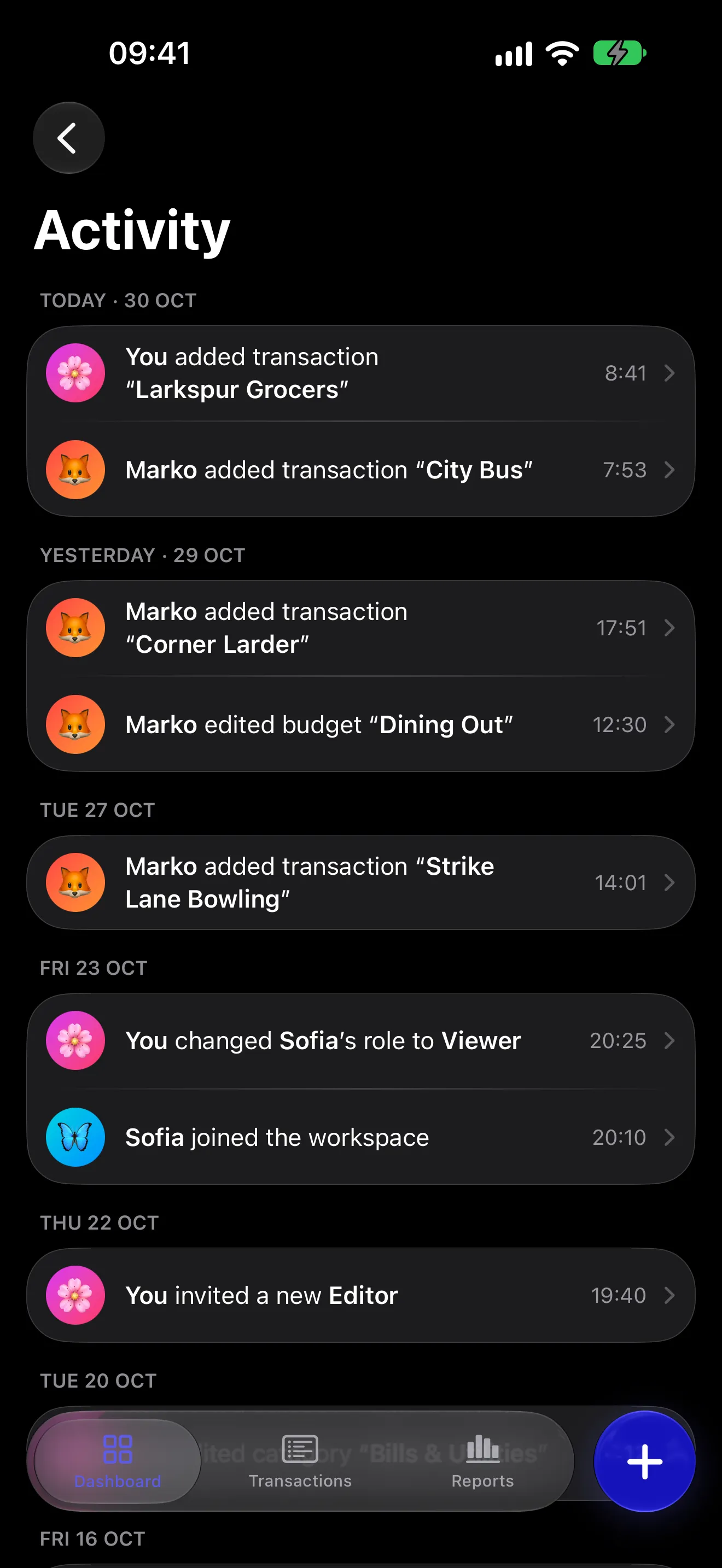
Activity is a running feed of the changes in a workspace, in one place, newest first. Each line says who did what, with the time. Tap a line about something that still exists and it opens it. Nobody can edit or delete a line, the owner included.
The main changes it records:
- Transactions: added, edited or deleted.
- Budgets: created, edited or deleted.
- Savings goals: created, edited, ended or deleted.
- Categories: created, edited or deleted.
- Members: invited, joined, left, removed, or given a new role.
- The workspace: a new name, icon, colour or base currency.
Not in it: balances, money moved into or out of a savings goal, and changes to what a member can see.
Activity is one of the six sections you can switch off per member, so a workspace can have a full history that only the owner reads. A member who can see the feed also sees only the lines about sections they can see: without Budgets, no budget lines.
Invitations
- The owner invites someone from the workspace's members screen.
- The app produces a link of the form
https://skarb-budget.com/j/CODEand you send it however you like: message, mail, in person. - If they already have Skarb, the link opens the app and the invite is waiting.
- If they do not, the link opens a page that explains what they have been invited to and offers the App Store. The invite still works after they install: once the app is set up, they open the link again.
The owner picks the role, editor or viewer, and the sections the new member will see before the link exists. Before they accept, the person sees the role and anything they will not see. The owner can change both later, from that member's row, and the change reaches their phone at once.
Each invite also comes as a six-character code, to read out loud; they type it under Join a Workspace. An invite works for seven days, for as many people as you send it to, and the owner can revoke it. Both of you need an account, with Apple, Google or email. Someone using Skarb as a guest is asked to link one first, and keeps everything they entered.
Notifications
A shared workspace sends two families of notification: budget alerts, and workspace activity. Each is switched on per kind rather than as one blanket toggle.
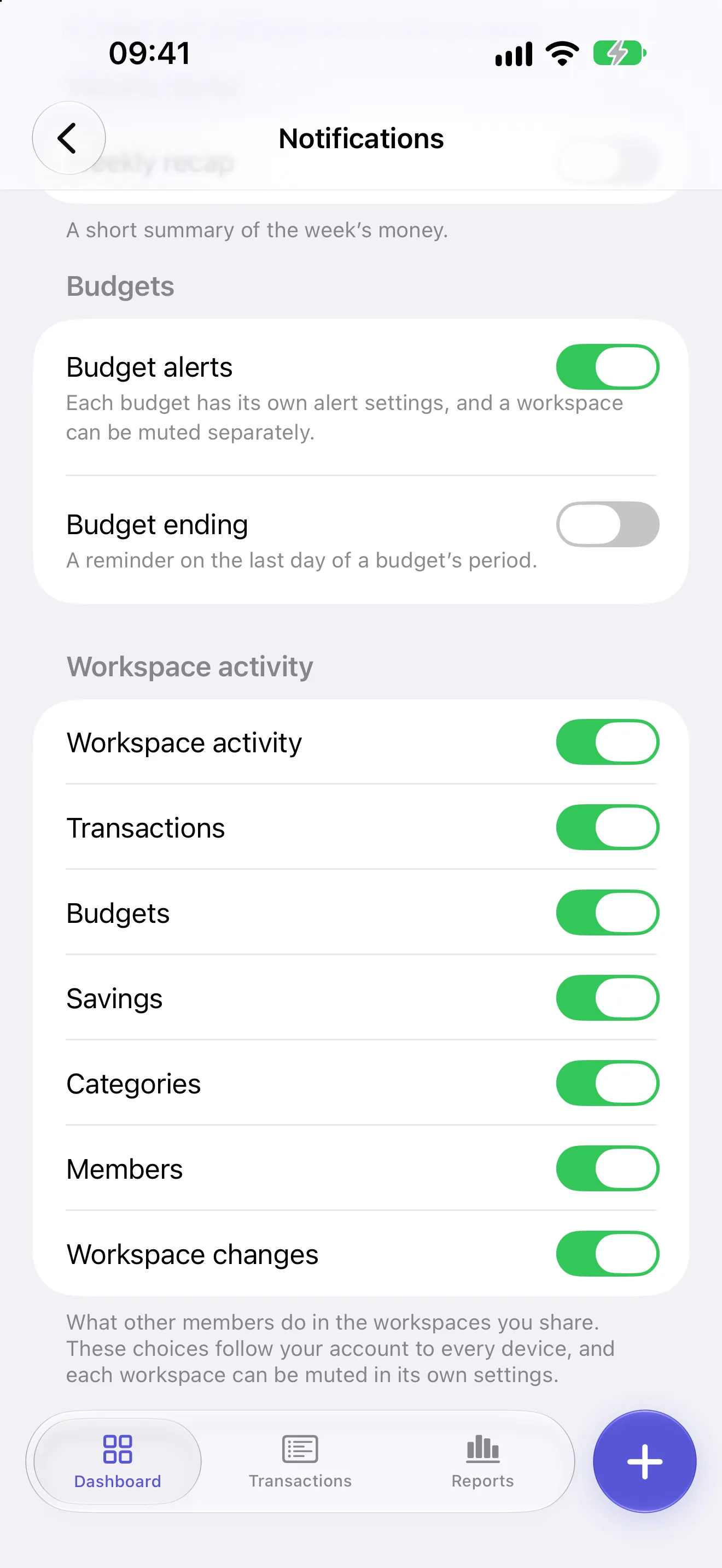
Budget alerts tell you as a budget nears its limit, at 80% unless you pick another share, and again when it passes. A separate switch announces a budget's last day. Each budget also has its own Alerts switch, which is the same for everyone, and the owner can mute a workspace's budget alerts for everyone in it.
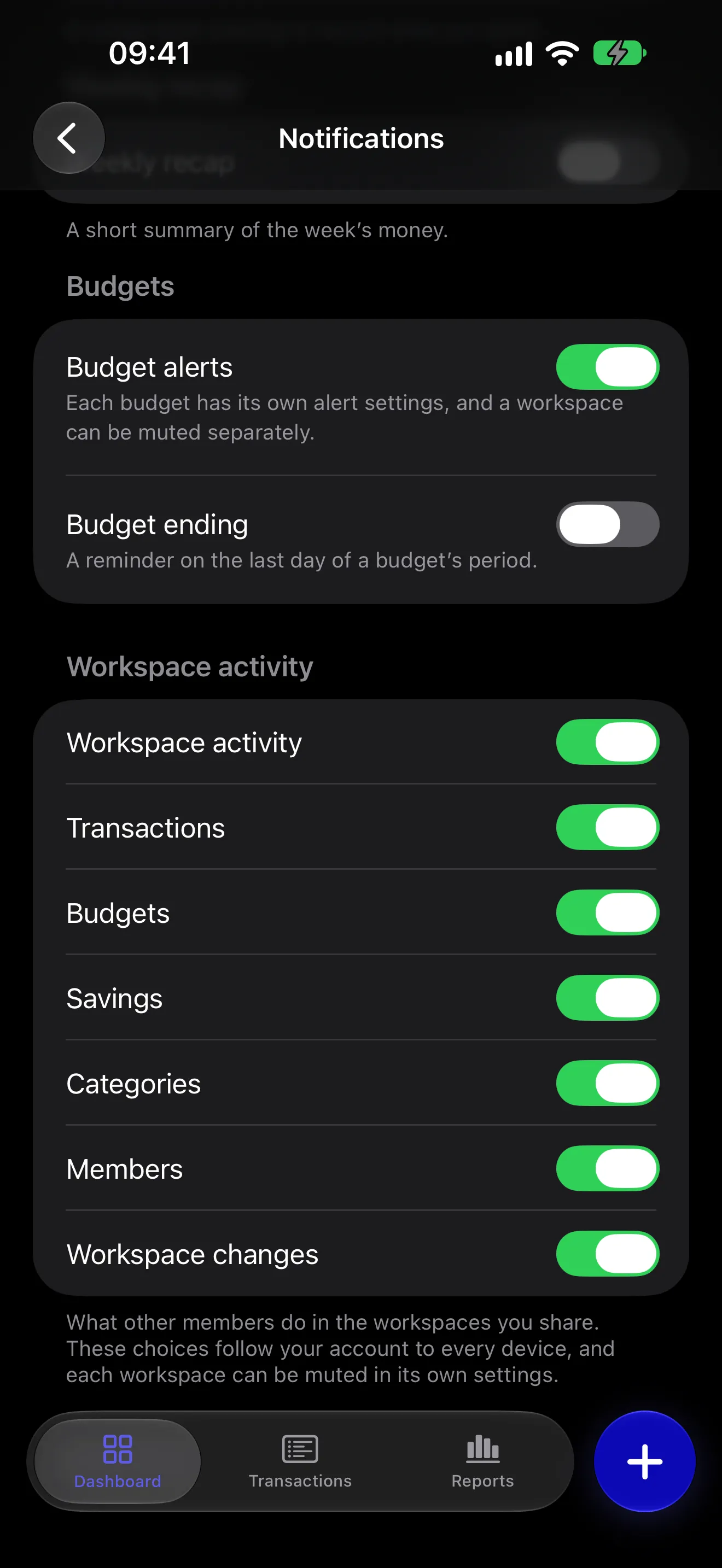
Workspace activity tells you when another member changes something, in the same words as the feed and never with an amount. Your own changes never notify you. Under one main switch, there is a switch for each kind of change:
- Transactions
- Budgets
- Savings
- Categories
- Members
- Workspace changes
The Savings switch has nothing to send: changes to savings goals are in the feed but never send a notification. Each workspace also has its own Mute activity notifications switch, which silences it for you alone. A member who cannot see Activity gets no activity notifications, and one who cannot see Budgets gets no budget alerts.
Reminder switches live on the device you set them on. Workspace activity switches follow your account, because the server that sends them is the one that reads them. If you turn off activity notifications on your phone, they are off on your iPad too.
The Budget alerts and Budget ending switches are per device too, like the daily reminder and the weekly recap on the same screen.
Sharing costs nothing.
It works on iPhone and iPad and needs iOS 26.2 or later. The other person needs the app too.
Everyone in a shared workspace needs an Apple device. There is no Android app and no web app, and neither is planned.
Get Skarb